How Does It Work?
Step One. Access and Download the Template
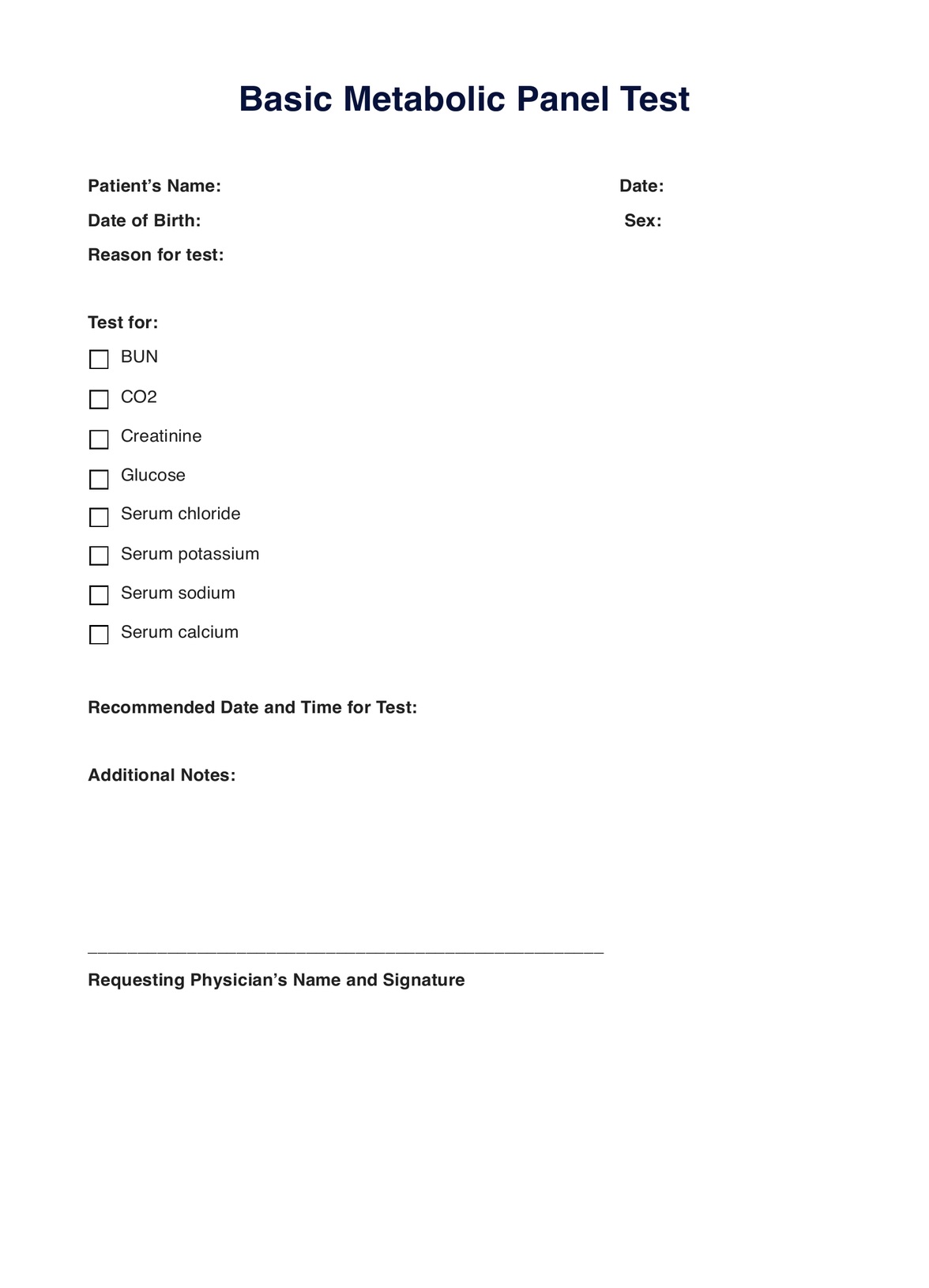
Having a copy of the digital and printable version of the Basic Metabolic Panel (BMP) template. So, obtain a copy by either:
- Clicking the �??Use Template�?� and �??Download Template�?� button
- Searching �??Basic Metabolic Panel�?� in Carepatron�??s template library�??s search bar on the app or website
Step Two. Assess and Interview the Patient
Before you request a blood metabolic panel (BMP), you must either interview your patient or do a physical examination to assess their current condition. You, out of anyone, would know that a patient doesn�??t have to be ill for you to request a BMP. You can also request it if the patient undergoes a routine health checkup.
Don�??t forget to remind the patient to prepare beforehand by fasting hours before the collection.
Step Three. Collect the Blood Sample
The patient will use the template at the laboratory to prove that the referring physician has requested the basic metabolic panel (BMP) test. Only then will the practitioner in charge collect a blood sample.
Step Four. Analysis and Interpretation
Afterward, the client can leave the request form with the lab technician so they have a guide of what exactly to test. Alternatively, if the lab technician has their template, the client can bring it home and get it with the referring physician during interpretation.
Step Five. Securely Store the Template
Whether or not the lab technician and the referring physician use the template, you or the practitioner should store the template at a secure physical location on Carepatron. Only relevant parties can access the template in this free clinical documentation software when needed.