How does it work?
Step One. Access and Download the Template
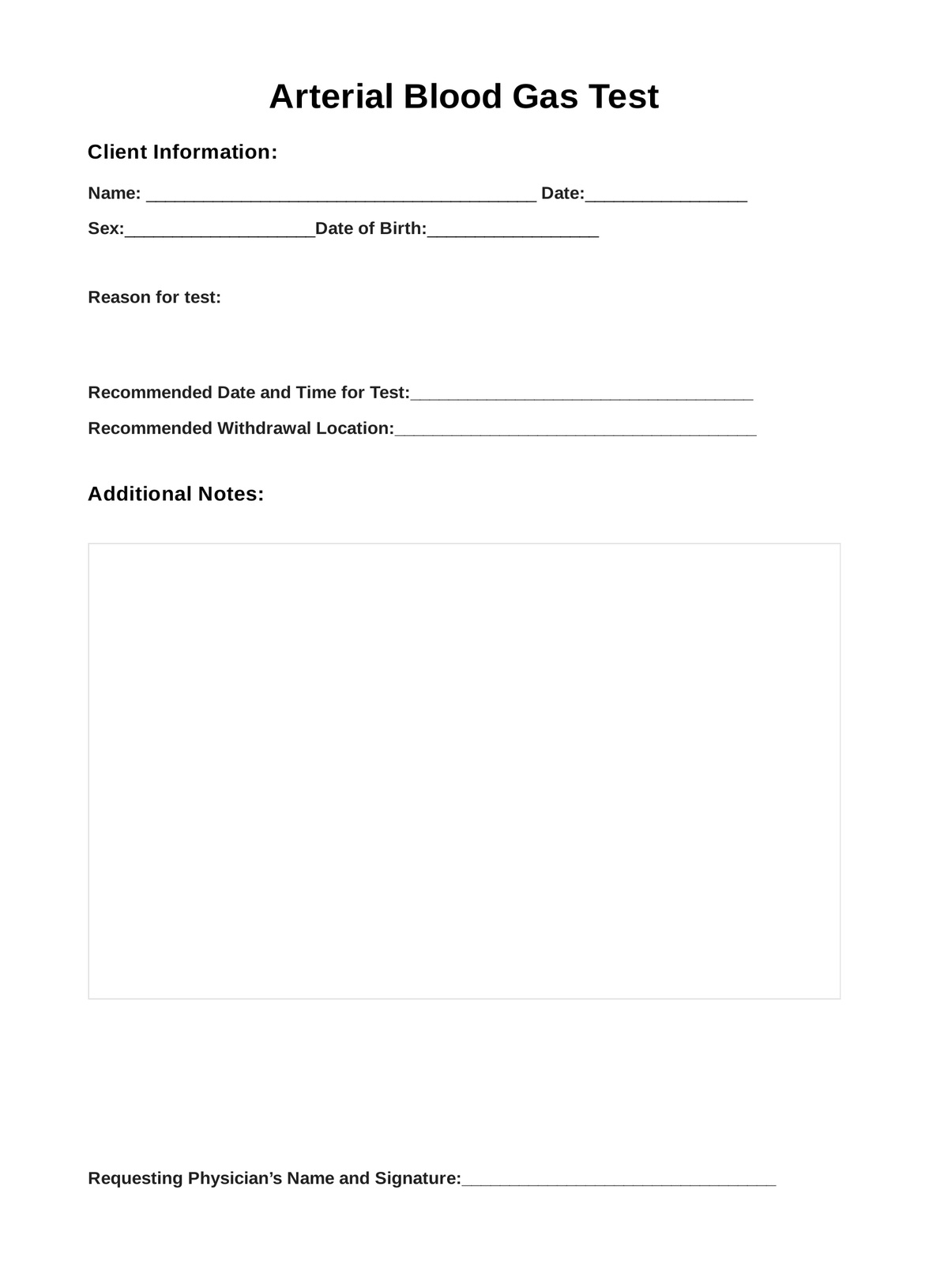
Have a copy of the digital and printable Arterial Blood Gas (ABG) test template available whenever needed. Obtain a copy you can use by either:
- Clicking the �??Download Template�?� or �??Use Template�?� button
- Searching �??Arterial Blood Gas�?� in Carepatron�??s template library�??s search bar on the website or app
Step Two. Assess and Interview the Patient
Before you request an ABG test, you must either do a physical examination or interview your patient to evaluate their current condition. It�??s also best to explain the procedure, enumerate the risks, ask for their consent, and provide what they need to prepare for.
Step Three. Collect the Blood Sample
On the collection day, the patient will give the template to the practitioner or lab technician to prove that their referring physician has requested an ABG test. Only then will the one in charge of the test collect and analyze the blood sample.
Step Four. Analyze and Interpret
After the test, the patient may leave the request form with the lab technician as a reference or a guide. If they have their own template, the patient may keep it in the records in case any future referring physicians want to review it.
Step Five. Securely Store the Template
Storing records is as easy as giving them to a referring physician to store them at a secure physical location or on Carepatron, a free clinical documentation software.