How Does it Work?
Step One. Access and Download the Template
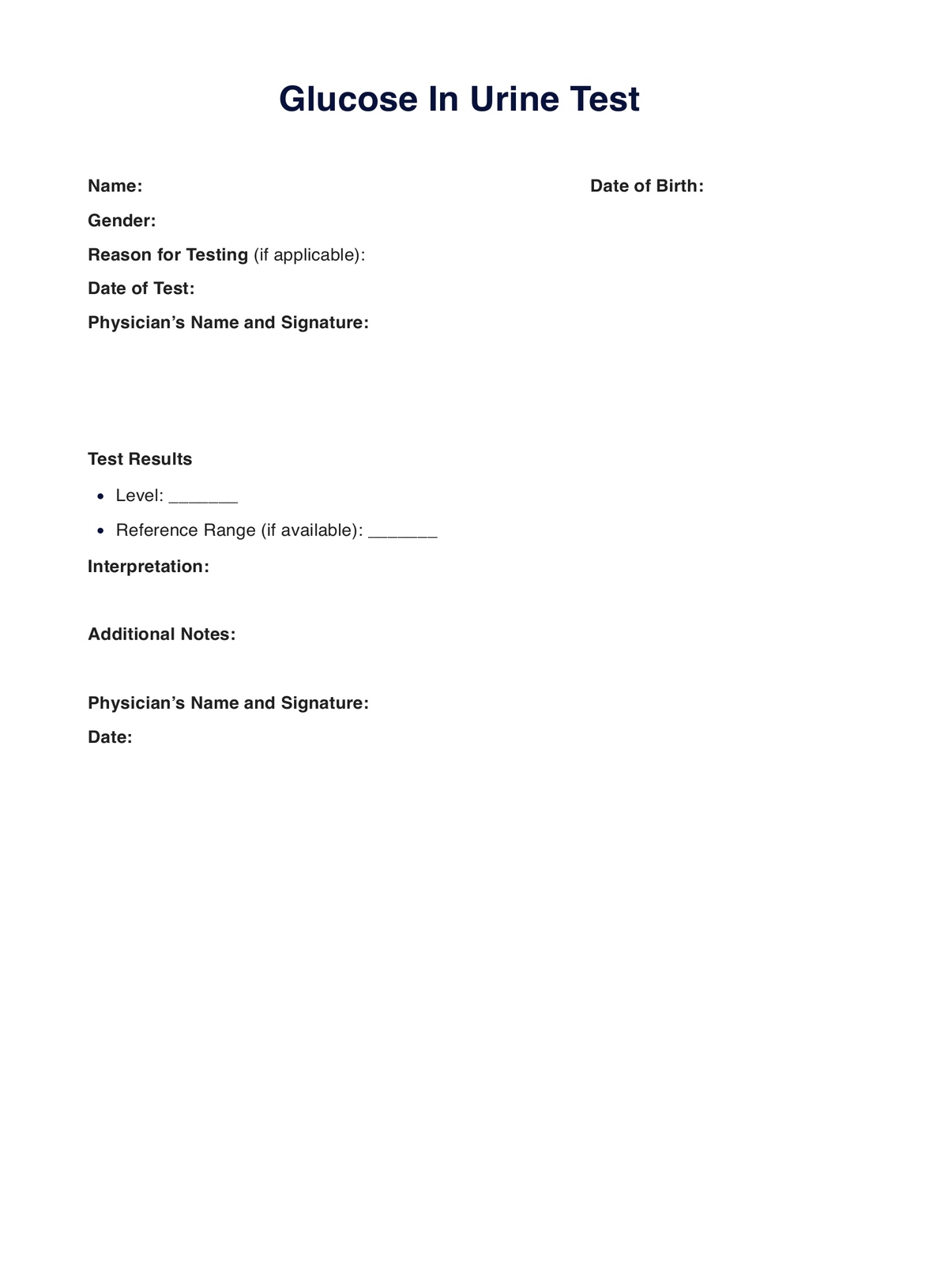
Ensure you have a copy of the “Glucose in Urine” test template when needed. Follow either of the steps below to download a copy:
- Click the “Use Template” or “Download Template” button
- Search for “Glucose in Urine” on Carepatron’s template library’s search bar on the website or app.
Step Two. Examine and Assess Your Patient
Since there’s an alternative to the glucose in urine test, it’s best to examine your patient and assess their condition physically. This will help you determine if the said test is the one your patient will benefit from currently. If it is, fill out the request form section of the template.
Step Three: Collect the Sample
Reminder to bring or have your patient bring the filled-out request form to the laboratory as proof that you requested the glucose in urine test.
Step Four. Analyze and Interpret the Results
Once the results are available, you may use the template to write down your analysis and interpretation of the second half of the glucose in urine template we provided. That way, you can record your findings and observations essential when discussing the next steps with your patient.
Step Five. Store the Template Securely
After using the template - as a request form and/or document where you can write notes - you must securely store the template. Physical copies must be stored at a secure location. In contrast, digital copies should be stored at a HIPAA-compliant EHR like Carepatron that can limit access to relevant parties only.