How Does It Work?
Step One. Access and Download the Template
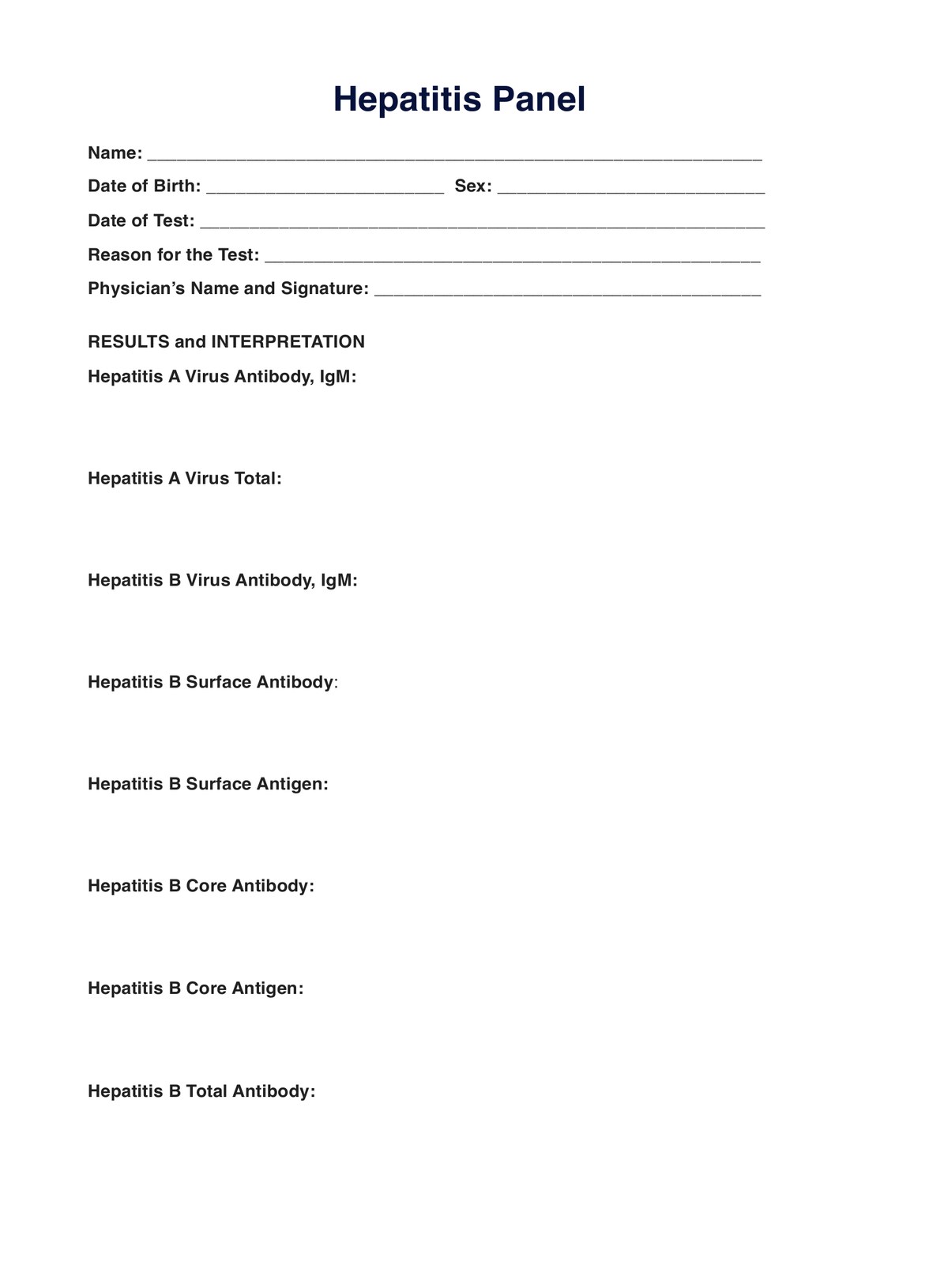
Ensure you can access a digital and printable version of the hepatitis panel test template whenever required. Obtain a copy by following one of these methods:
- Clicking the “Download Template” or “Use Template” button
- Searching “Hepatitis Panel” on Carepatron’s template library’s search bar on the app or website
Step Two. Interview, Assess, and Examine the Patient
Before requesting a hepatitis panel, you must interview, assess, and examine your patient to understand their condition, concerns, and reasons they want to be tested. Knowing it will help you determine if they need a hepatitis panel and identify what to write down in the request form as the reason for testing.
Step Three. Collect the Sample
Remind your patient to bring and show the hepatitis panel template you filled out. It will serve as proof that a referring physician requested the test.
Step Four. Analyze and Interpret the Results
The template also doubles as a document to write down the patient’s results. This will make it easier for you to focus on the results for analysis and interpretation.
Step Five. Securely Store the Template
As soon as the consultation is over, the referring physician must store the template - whether it’s used as a request form and/or a document for notes - at a secure physical location. Store digital documents on Carepatron, a HIPAA-compliant EHR, to limit access only to relevant parties.