How does it work?
Step One. Access and Download the Template
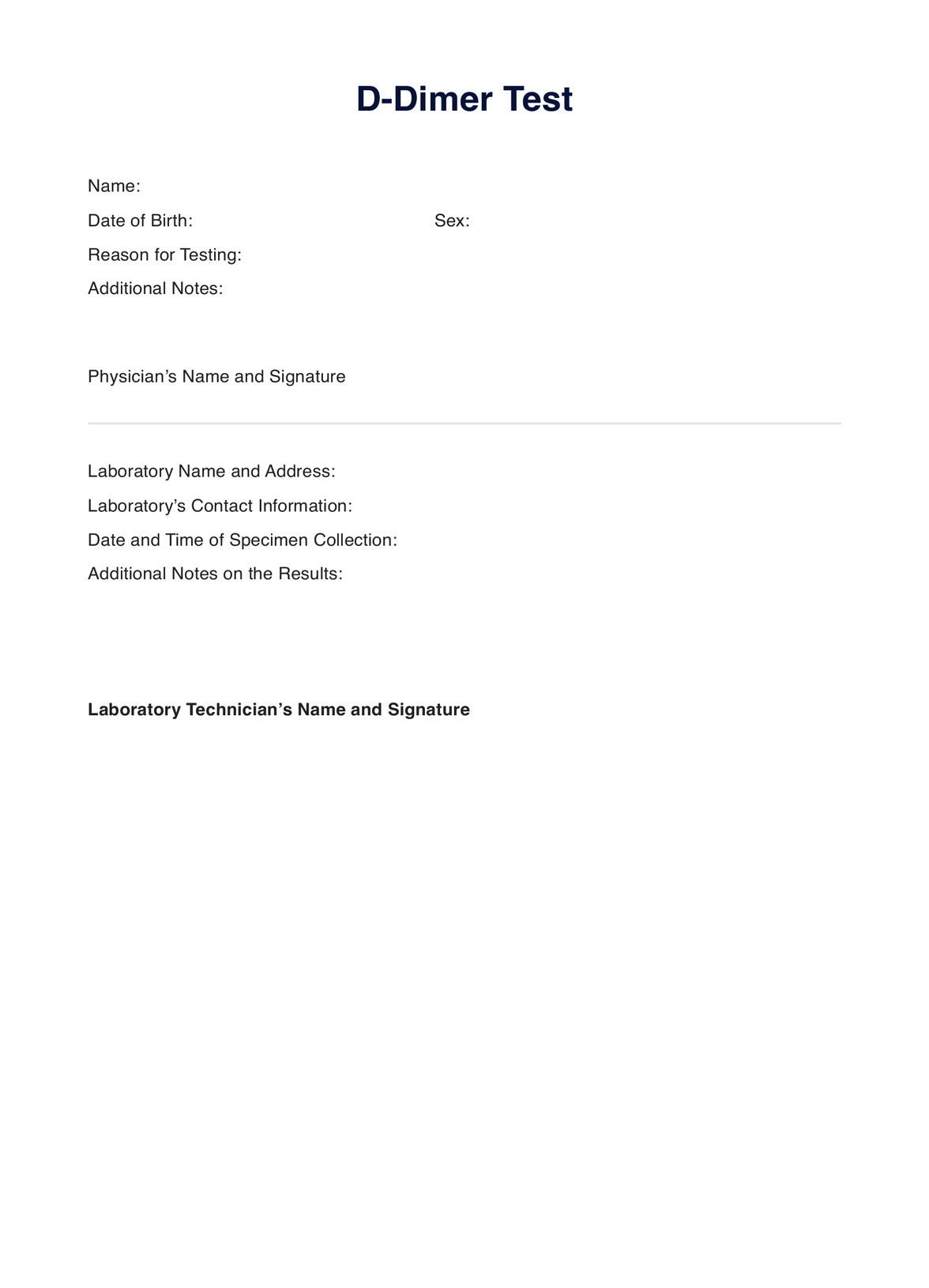
Have a digital and printable copy of the D-dimer test that doubles as a request form and document for interpretation. Grab a copy by doing either of the following:
- Clicking the �??Use Template�?� or �??Download Template�?� button
- Searching �??D-dimer Test�?� on Carepatron�??s template library�??s search bar on the website or app
Step Two. Interview, Assess, or Examine the Patient
Before requesting, they must interview, assess, or physically examine the patient to determine if they need the test. If they do, use the template as a request form and fill out all the needed information.
Step Three. Perform the Test
On the test day, the patient must bring the filled-out template to the practitioner responsible for collecting the sample. The document will prove that you requested the D-dimer test.
Step Four. Analyze and Interpret the Results
Once the test results are available, you may use the template to write the analysis and interpretation based on the results. That way, should you need a document you can rely on when formulating a diagnosis or treatment plan, you have one.
Step Five. Securely Store the Template
Whether you use it as a document for notes or a request form, you must store the document at a secure physical location or on Carepatron, a HIPAA-compliant clinical documentation software, with other medical records of the patient in the patient portal.