How does it work?
Step One. Access and Download the Template
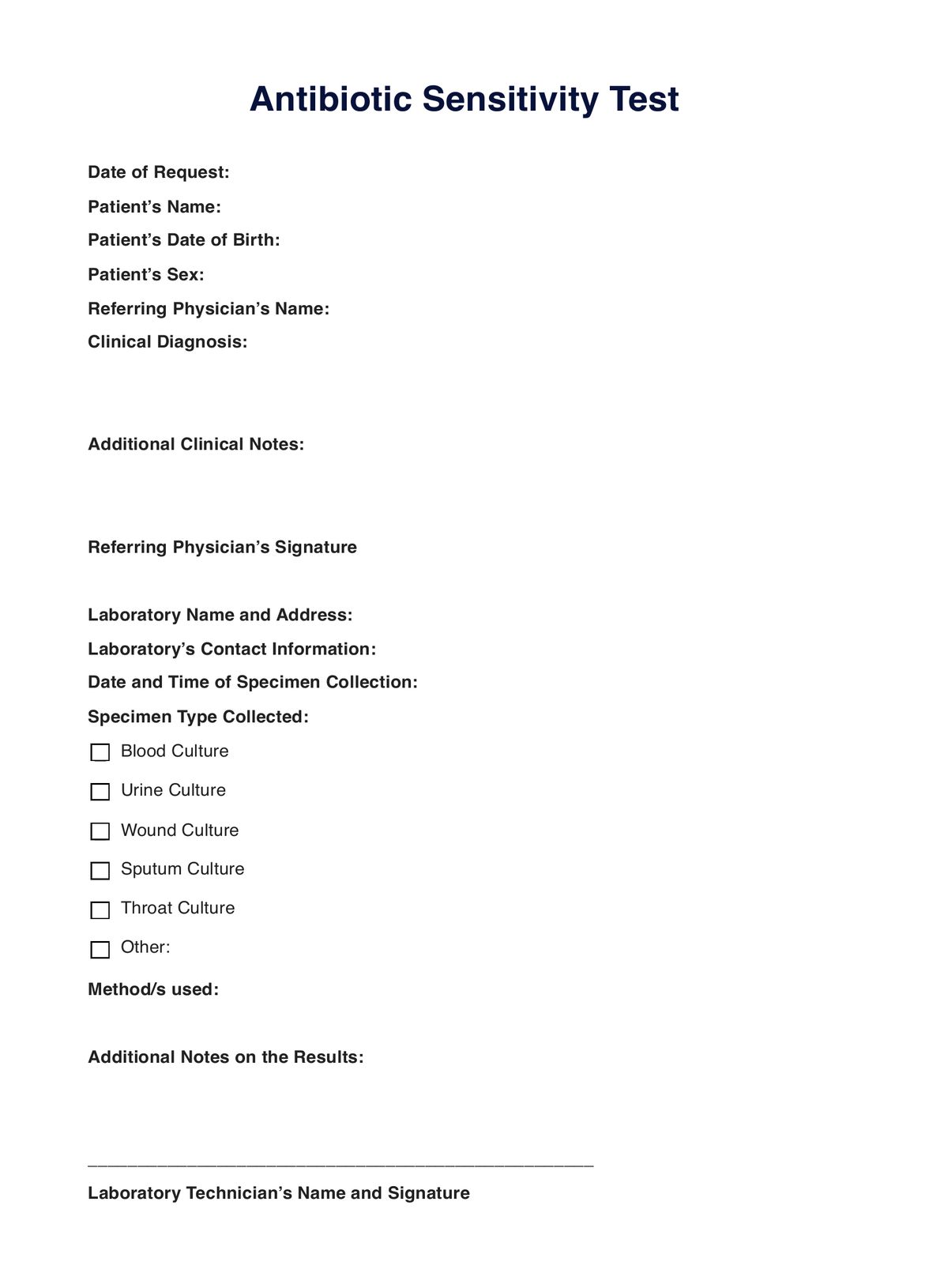
Ensure you have a digital and printable version of the antibiotic sensitivity test request template form when needed. Choose between the two steps below to obtain a copy:
- Click the �??Use Template�?� or �??Download Template�?� button
- Search �??Antibiotic Sensitivity Test�?� in Carepatron�??s template library�??s search bar on the website or app
Step Two. Assess the Patient
At this point, the patient is already diagnosed and formulating a treatment plan. Before requesting, it�??s best to examine the source of the infection, if possible, or check the patient's vitals.
Step Three. Collect a Sample
After the assessment, the practitioner in charge may collect a sample. The process may differ depending on where the practitioner will obtain a sample. Here�??s a list of the five types of culture they may collect: blood, urine, wound, sputum, and throat.
Step Four. Next Steps
Once the sample has been collected, results have been collected, and interpretations have been made, the next steps will be to provide a suitable treatment for the patient�??s infection.
Step Five. Securely Store the Template
When the patient is in a stable condition, you should store the completed template in a secure physical location or on Carepatron, a HIPAA-compliant clinical documentation software, for future reference.